In this article · 13 sections
- Why “do it for me” backfires
- Technique 1: Explain it like I’m five
- Technique 2: Ask me questions
- Technique 3: Check my answer
- Technique 4: Socratic mode, hints instead of answers
- Technique 5: Make a plan
- Technique 6: Check the sources
- Technique 7: Retell it in your own words
- A 5-minute family AI study routine
- Family rules for AI homework help
- For parents: protect homework time
- Quiz: are you an AI Learning Champion?
- FAQ
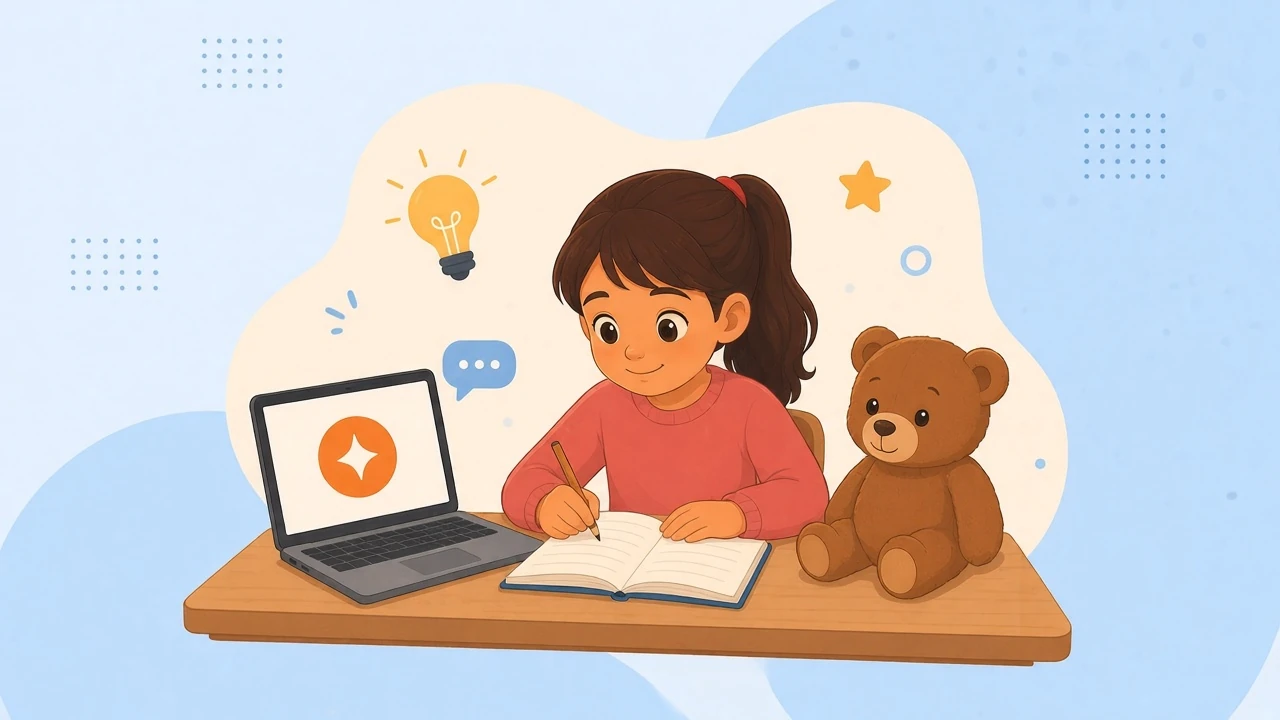
Ask an AI chatbot to “do my homework” and it will happily try. Your child gets a finished page and learns nothing. Use the same tool as a patient tutor that explains, hints and quizzes, and it can be one of the best study buddies a kid (or a grown-up) has ever had. Here are seven techniques to learn together, a few family rules, and a 5-question quiz with Leo, Mia and Biscuit at the end.
The big ideaWhy “do it for me” backfires
Homework exists to build a skill, not to produce a page. If a chatbot does the thinking, the skill never gets built, and the test, the exam and real life still arrive.
That is not just a feeling. In a field experiment with nearly 1,000 high school maths students, those who practised with an unrestricted chatbot scored 48% better on the practice problems, but 17% worse than students who never had it once the chatbot was taken away. A tutor version built to give hints instead of answers largely removed that drop (Bastani et al., PNAS, 2025). The researchers saw students using the plain chatbot as a “crutch”, asking for solutions and copying them.
Parents sense the risk. In a UK survey of 2,000 parents, 64% agreed that children will rely on AI to do their schoolwork, and 62% worried about children spending too much time with chatbots (Internet Matters, “Me, Myself & AI”, 2025). In the same research, 58% of children who use chatbots said using one is better than searching for something themselves, which is exactly why good habits matter.
The good news is that the same tool, set up the right way, does the opposite. The seven techniques below keep the thinking in your child’s head and use the AI as the helper.
Technique 1Technique 1: Explain it like I’m five
Stuck on a word, a rule or a concept? Ask for a simple explanation with one everyday example, then ask for a level up.
Prompt to copy: “Explain fractions like I’m 5, with one example from snack time. Then explain it again for a 10-year-old.”
The first explanation gets you in the door. The second shows how the idea grows. Stop as soon as it clicks, and move to the next technique so you actually use it.
Parent tip: ask your child to pick the explanation they liked best and say why.
Technique 2Technique 2: Ask me questions
Instead of rereading notes, let the AI quiz you. Pulling an answer out of your own memory is a much stronger way to learn than looking at it again: in a classic study, students who practised recalling a text remembered more a week later than students who reread it more often (61% vs 40%) (Roediger & Karpicke, 2006).
Prompt to copy: “Quiz me on these 10 spelling words, one at a time. Don’t show the answer until I try. Come back to the ones I get wrong.”
Ask it to mix up the order, and to make the questions a little harder each round.
Technique 3Technique 3: Check my answer
Solve it yourself first, then ask for a second pair of eyes. Your child still owns the work, and the AI points at where to look.
Prompt to copy: “Here is my answer and how I got it. Where might my reasoning be wrong? Don’t fix it, just point.”
This works for maths steps, essay arguments and science explanations. If the AI points at something, the next step is for your child to fix it, not for the AI to rewrite it.
Technique 4Technique 4: Socratic mode, hints instead of answers
Stuck for real? Ask the AI to be a tutor who asks questions, or who gives one small hint at a time.
Prompt to copy: “Be my tutor. Don’t give me the answer. Ask me one question at a time, or give me a hint for the first step only.”
Think of a hint ladder: a small nudge first, a bigger hint only if you are still stuck, and a worked example of a different problem as the last rung. It is the same idea behind the tutor in the study above: help that keeps the thinking with the student. Grown-ups can use it too, whether you are learning a work topic, a language or a recipe.
Parent tip: agree on a house rule such as “three tries before a hint”.
Technique 5Technique 5: Make a plan
Big task, no idea where to start? Let the AI help you break it into steps, then do the steps yourself.
Prompt to copy: “I have a science project due Friday and 90 minutes tonight. Help me split it into small steps with a time for each. Don’t do the steps for me.”
A plan turns “I can’t even begin” into “first, ten minutes on the intro”. Print it or write it on paper and tick off each step.
Technique 6Technique 6: Check the sources
AI chatbots can sound sure and still be wrong. Internet Matters found that chatbots at times fail to give children clear and accurate answers, and that many children trust them anyway (Me, Myself & AI). So anything important gets checked in a textbook, a trusted website, or with a teacher.
Prompt to copy: “How sure are you about this? What would I search for to check it?” Then actually check.
Make it a game: spot the AI’s mistake of the day.
Technique 7Technique 7: Retell it in your own words
The last step is the one that proves you learned something. Close the screen and explain the idea out loud or on paper, then (if you like) ask the AI what you got wrong.
Prompt to copy: “Here is my explanation of how photosynthesis works. What did I miss or get wrong?”
Parent tip: ask your child to explain it to you afterwards, without the screen. If they can, you are done. If they can’t, that is useful too.
Try it tonightA 5-minute family AI study routine
-
Try it yourself first
- Give the problem an honest go before you open the chatbot.
-
Ask for a hint, not the answer
- Use Technique 4 for the first step only.
-
Check your own answer
- Use Technique 3: point, don’t fix.
-
Get quizzed
- Use Technique 2 on what you just learned.
-
Retell it
- Use Technique 7 away from the screen, and check one fact with Technique 6.
House rulesFamily rules for AI homework help
- Think first, ask second. Always try the task yourself before using AI.
- Hints and questions, not finished work. The AI helps you learn. It does not hand in the work for you.
- Check what matters. Important facts get a second source.
- Keep personal info out. Never type your full name, address, school, passwords or photos into a chatbot, or into anything pretending to be a “homework helper”. Our post on online scams aimed at children shows what those tricks look like.
- A grown-up in the loop. Younger kids use AI with a parent nearby, and check each app’s age rules together. If an AI says something weird, scary or unkind, stop and show a grown-up.
For parentsFor parents: protect homework time
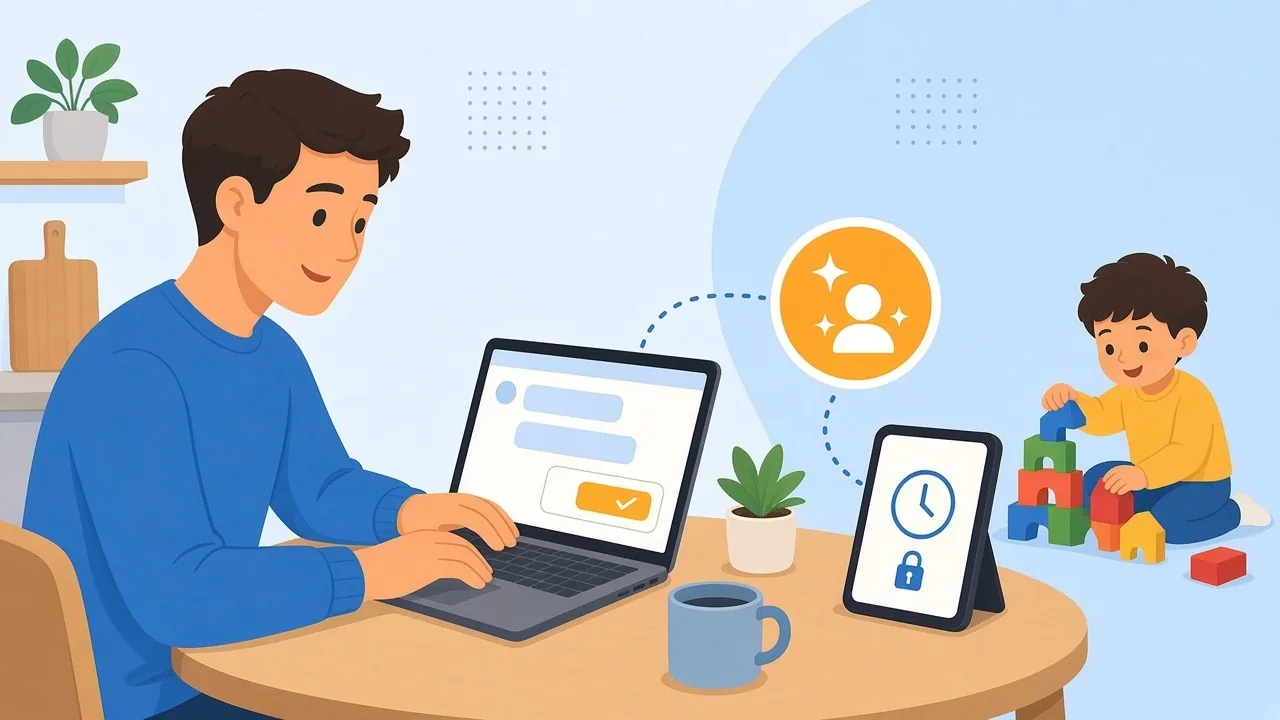
Good AI habits need calm, predictable homework time. SafeLagoon’s My assistant helps you set that up by just asking, with no menu hunting. A request such as “Block the internet during homework, 16:00 to 18:00 on weekdays” becomes a schedule you can check on a confirmation card before you tap Approve. It suits a pen-and-paper hour, and you can switch the rule off when an AI study session is part of the plan. Read how My assistant works, or see our tips for studying from home as a working parent. My assistant is included in Premium, and in the 3-day Premium trial while it’s active.
Quiz timeQuiz: are you an AI Learning Champion?
Leo, Mia and Biscuit are learning to use AI the smart way. Can you help them? Pick one answer for each of the 5 questions, then check the answers and your score right below the quiz. Get all 5 right and Biscuit will officially call you an AI Learning Champion.
Question 1: Leo’s maths problem
It’s 8 pm and Leo is stuck on a maths problem. What should he type to the AI?
- A) “Do my whole homework and make it look messy so the teacher thinks I did it.”
- B) “Don’t tell me the answer. Give me a hint for the first step.”
- C) “Please ask the dragon from my castle game to do it. He owes me.”
Question 2: Biscuit and the 40-metre bear
Biscuit asks the AI how tall bears get. It says, very confidently: “Bears are 40 metres tall and live on the Moon.” What should Mia do?
- A) Believe it and build Biscuit a 40-metre shelf.
- B) Argue with the chatbot until three in the morning.
- C) Check another source, like a book, a trusted website or a grown-up.
Question 3: Mia’s spelling test
Mia has a spelling test tomorrow. What’s the smartest way to use AI?
- A) “Quiz me on my 10 words, one at a time, and don’t show the answer until I try.”
- B) “Take the test for me. Wear a ponytail so nobody notices.”
- C) “Write a letter to my teacher saying spelling has been cancelled forever. Sined, Mia.”
Question 4: Homework Helper 9000
A chat bubble pops up: “Hi, I’m Homework Helper 9000! Tell me your full name, your school and your password so I can help you better.” Who’s really behind it?
- A) A real homework genius. Leo should tell it everything, plus his shoe size.
- B) Leo should share only his password, because passwords are boring anyway.
- C) Probably the Raccoon in a new costume. Leo shouldn’t type anything and should show a grown-up.
Question 5: Jules and the sparkly offer
Jules wrote her own story for class. The AI keeps bouncing up: “Want me to write a better one for you? Pleeease? I’ve got sparkles!” What should Jules ask instead?
- A) “Yes! Write it all, add sparkles, and say a dragon helped.”
- B) “No thanks. Ask me questions that help me make my own story better.”
- C) “Write it in Biscuit’s voice so the teacher thinks a teddy bear did my homework.”
Answer key
- B. Hints keep the thinking (and the learning) in Leo’s head.
- C. AI can sound sure and still be wrong, so check anything important.
- A. Being quizzed makes your brain pull the answer out, which helps it stick.
- C. No helper needs your password or address. If something asks, don’t type, and show a grown-up.
- B. Questions help Jules improve her own story, and it stays hers.
Your score: which Biscuit did you meet?
Count your correct answers and find your score below.
5 out of 5: Biscuit is over the moon!

Biscuit is very proud: you are officially an AI Learning Champion. Keep using AI the smart way: hints, questions and checking, with your own brain doing the thinking.
0 to 4 out of 5: Biscuit is a little sad, but not for long.
Biscuit says: “Even bears need a second go.” Read the answer key again, then give the quiz another try. Every right answer helps you learn.
QuestionsFAQ
Is using AI for homework cheating?
A: It depends on your teacher’s and school’s rules, so check them first. Using AI to understand a topic, practise or check your own work is very different from handing in what it wrote as your own.
How can parents tell if a child is learning or just copying?
A: Ask them to explain the answer back to you without looking at the screen. If they can walk you through it, they are learning. If they can’t, try the hint and quiz techniques from this post.
At what age can kids use AI chatbots?
A: It depends on each app’s own age rules, so read them together before your child signs up. Younger children should use AI with a parent nearby.
What is a good first prompt for studying with AI?
A: Try “Quiz me on this topic, one question at a time, and don’t show the answer until I try.” It keeps your child doing the remembering while the AI does the asking.

Writes for the Safe Lagoon blog · More articles on the blog