In this article · 11 sections
- The report you already have
- SMS and RCS text
- WhatsApp, Instagram, Snapchat, TikTok, and Discord
- Photos in the camera roll
- A timeline of the screen
- In-app browsers that are not Chrome
- A school Google Account on the same phone
- What Family Link does show
- What we still do not cover
- After the game, the report is still a time bar
- FAQ
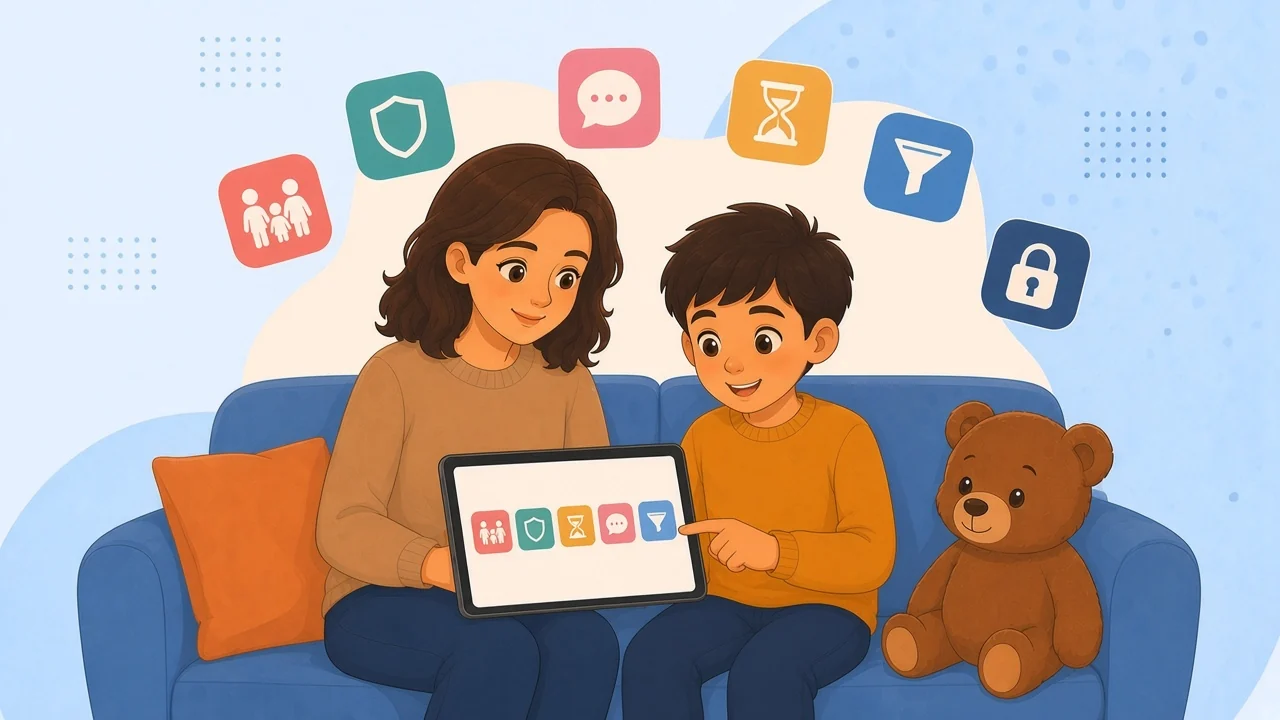
Family Link does not show the words. It does not show SMS or RCS text, WhatsApp, Instagram, Snapchat, TikTok, or Discord conversations, the camera roll, or a timeline of the screen. It also does not supervise a school Google Account on the same phone. What it does show is app time, Chrome on the supervised account, location, and install approvals.
Start hereThe report you already have
Google Family Link supervises a child's Google Account. On Android and Chromebook it is a real screen-time tool. Read Google's screen-time help before you decide the app is empty. The usual disappointment is a category error: you opened a time report looking for a conversation.
The choice between keeping it and adding a phone app is in Safe Lagoon vs Google Family Link. The leaving checklist is a Family Link alternative. Other apps are in parental control apps compared.
TextsSMS and RCS text
Family Link does not show the text of an SMS. An RCS chat in Google Messages is still the words of a conversation, not a bar on a chart. You may see that Messages was open, and for how long. You will not see the thread.
On Android, Safe Lagoon can show regular SMS activity with the free Device Monitor add-on. The price page calls that activity, not a full chat archive, and says deleted messages are not guaranteed. We cannot block incoming calls or SMS. The Roblox settings article draws the same line: regular SMS, not Roblox chat, not other chat apps. Tell your child you can see SMS activity. Do not say you can see every text.
Chat appsWhatsApp, Instagram, Snapchat, TikTok, and Discord
Family Link does not show WhatsApp, Instagram direct messages, Snapchat, or TikTok chats. Discord is the same kind of hole. The words stay in the app. The report can say the app was used. It does not hand you the conversation. No Family Link setting turns those apps into a shared inbox.
Safe Lagoon does not read those transcripts either. AI Shield, Android only, alerts you when something looks risky, often with a screenshot of that moment. It is not a chat archive and not every ordinary screen. Screen Mirror is screenshots grouped by app and time, without that alert. The split is AI Shield, Screen Mirror, and Gallery. Setup is how to set up AI Shield.
If the only question was whether you can read the Discord server, both answers are no.
PhotosPhotos in the camera roll
Family Link's documented views are app activity, Play install decisions, location of the Android device, and SafeSearch and Chrome controls. The camera roll is not one of them. You do not get a parent album of the week's photos.
App activity may already show that the Camera app was used, which is time, not the pictures. Gallery, on Safe Lagoon Premium, is the camera roll on Android. It is not a screenshot of the screen, and it is not an alert. Premium is $6.99 a month, or $5.83 a month billed yearly. Decide whether you wanted "was the camera open" or "show me the photos" before you pay. They get lumped into one sentence, and they are different.
The screenA timeline of the screen
Family Link is not a screenshot tool. Locking the phone, or reading app time, does not create a filmstrip of the afternoon.
Screen Mirror stores screenshots grouped by app and time. It is $14.99 a month, or $12.50 a month billed yearly, it includes Premium, and it is Android only. AI Shield is $19.99 a month, or $16.58 a month billed yearly. It includes Screen Mirror and adds an alert when something looks risky, often with a screenshot of that moment. You can buy the timeline without the alert. You can buy neither.
A timeline stores ordinary life, including chats you still cannot read as text. The alert is the smaller ask: one moment when something looks off, not a diary of the hour.
Not ChromeIn-app browsers that are not Chrome
SafeSearch and Chrome controls apply to Chrome on the supervised Google Account. That is what Google documents. A page opened inside another app is not that Chrome window. Instagram, a game, or a video app can show a web page without using the Chrome controls you set.
Family Link does not turn that in-app page into a log. You might see that the host app was open. You will not get the list of pages it rendered inside itself.
Safe Lagoon's web filter is a block and allow list, free, with no end date on the price page ("Always. Forever."). It is not a transcript of an in-app browser. If that list is all you need, skip Premium. Figures are in what the plans cost. Turning the host app off at night is a schedule.
School loginA school Google Account on the same phone
School accounts on the device are not covered by Family Link supervision. Downtime can be perfect on the personal profile and absent the moment they switch to the school login. Chrome controls, SafeSearch, and the daily limit do not follow that account.
The school owns that login. A parent app does not make us the school's administrator. If the assignment and the chat both live there, talk to the school before you pay a consumer app to see around it.
A Family Link lock still stops apps except the ones marked unlimited, and on an Android phone the child can answer calls and use Emergency. A school account is a different door.
The fair halfWhat Family Link does show
The report is useful when you wanted time, not text.
You get app activity, including how long YouTube was open on the supervised account. That is time in the app, not every video title. You get Chrome controls and SafeSearch, location of the Android device, and Play install approvals. You get a daily limit, downtime, lock or unlock now, and bonus time that does not change the daily number.
The daily limit is still per device. Two hours is two hours on each Android device or Chromebook. Past the local age of consent, often 13, a teen can ask to stop supervision, and you approve that until they are 18. If you wanted time, app name, and place, you already have the tool.
| You hoped to see | In Family Link | On Safe Lagoon, Android |
|---|---|---|
| SMS words | No | Partial SMS activity, not a full archive |
| WhatsApp or Discord text | No | No Not a messenger transcript |
| Camera roll | No | Gallery, on Premium |
| Screen over time | No | Screen Mirror, or an AI Shield alert |
Our limitsWhat we still do not cover
The Android gaps we do cover are SMS activity, Gallery, a Screen Mirror timeline, and an AI Shield alert with a screenshot of a risky moment. The gaps we do not cover belong on the same page.
We do not turn messenger chats into a parent inbox. We do not block incoming calls or incoming SMS. Deleted messages are not guaranteed. On iOS we can pause and schedule third-party apps, and we cannot show per-app usage the way Android does. iCloud call and text logging is experimental and not guaranteed. An iPhone does not grow an iMessage archive because Family Link had a blind spot.
My assistant does not see more than the plan. You type a rule, check a card, and tap Approve. It is on Premium and above, with a 7-day trial on the price page. Asking it to "show Instagram" does not create a transcript.
A scenarioAfter the game, the report is still a time bar
Pickup ran late. At home you open Family Link because another parent wrote you about a group chat. The supervised account shows a messaging app for the ride and YouTube before practice. Location matches the field. There is no message, no screenshot, and no camera roll. A school account they flipped to is not in the report.
Ask them, using the other parent's note as the reason. Or add SMS activity, or one risky-moment screenshot, on the Android phone and say so. Scrolling the time bars again will not load the words.
QuestionsFAQ
Can Family Link show text messages if I change a setting?
No. It does not show SMS text, and it does not show WhatsApp, Instagram, Snapchat, or TikTok chats. App activity can show that a messages app was used. An RCS chat in Google Messages is still message text, not a time chart.
Does Family Link see photos or the screen?
No. It is not a screenshot tool, and the camera roll is not one of its documented views. You can see app time, Chrome and SafeSearch on the supervised account, YouTube as time in the app, Android location, and Play install approvals.
What can Safe Lagoon add on Android for those gaps?
SMS activity through Device Monitor, Gallery for the camera roll on Premium, Screen Mirror for screenshots grouped by app and time, and AI Shield for an alert that often includes a screenshot of a risky moment. Screen Mirror and AI Shield are Android only.
Does Safe Lagoon block incoming calls or read WhatsApp?
No. We cannot block incoming calls or SMS. We do not read WhatsApp, Instagram, Snapchat, TikTok, or Discord transcripts. Deleted SMS messages are not guaranteed.
Prices and feature lists were taken from each company's own site on 14 November 2026 and can change. Safe Lagoon is not affiliated with Google or Qustodio. Names are trademarks of their owners.

Writes for the Safe Lagoon blog · More articles on the blog